Docs
WingsTradeBot quick start
Open the @WingsTradeBot and run /start to begin. Next, add it to a group chat or send commands directly to begin trading.
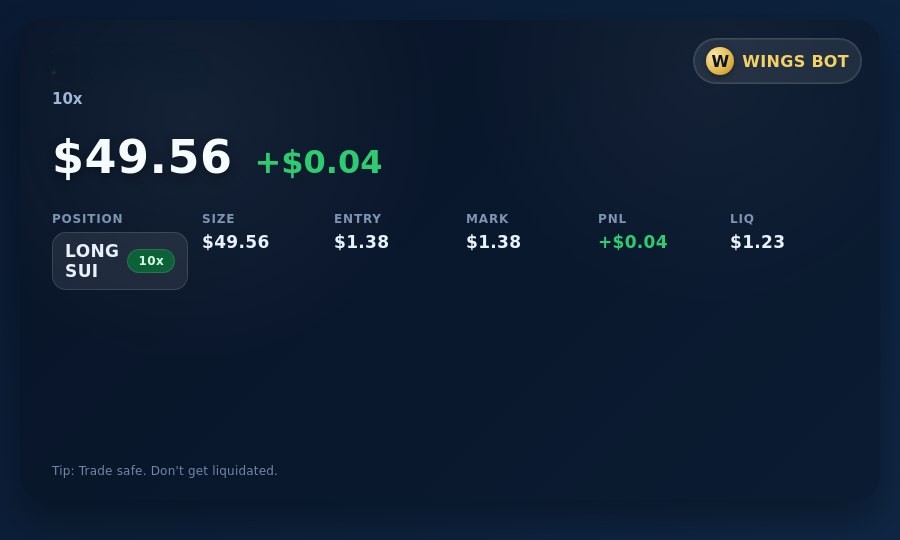
Demo position preview
A quick visual of the trading interface flow.
Telegram command reference
Send these to the bot to manage trading, funds, and referrals.
/startSet up your account and wallet.
/helpQuick usage guide.
/balanceShow trading balance (available).
/depositGet your SUI USDC deposit address.
/withdraw <amount>Withdraw from trading account to a SUI address.
/positionsList open positions with PnL.
/ordersList open stop-loss/take-profit orders with cancel buttons.
/close <asset>Prompt 25/50/75/100% close buttons; "close all" closes everything.
/addmargin <asset> <amount>Add margin to a position.
/removemargin <asset> <amount>Remove margin from a position (validates available).
/long <asset> <leverage>x <amount>Market long.
/short <asset> <leverage>x <amount>Market short.
/limit_long <asset> <leverage>x <amount> <price>Place a limit long; get fill confirmation when executed.
/limit_short <asset> <leverage>x <amount> <price>Place a limit short; get fill confirmation when executed.
/stoploss <asset> <price>Set a stop loss with percent selection.
/takeprofit <asset> <price>Set a take profit with percent selection.
/priceCurrent prices
/pnlShow realized PnL.
/pointsShow your trading points and referrals.
/leaderboardWeekly leaderboard by points.
/referralManage referrals and view stats.
/inviteQuick access to your referral code/link.